
After Effects 2021+macOS
01 — A CLOSER LOOK
Right where
you need it.
The everyday
essentials.
01Create
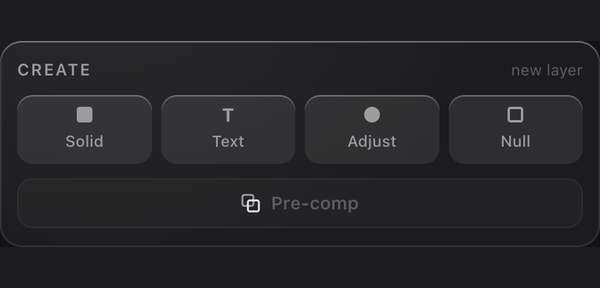
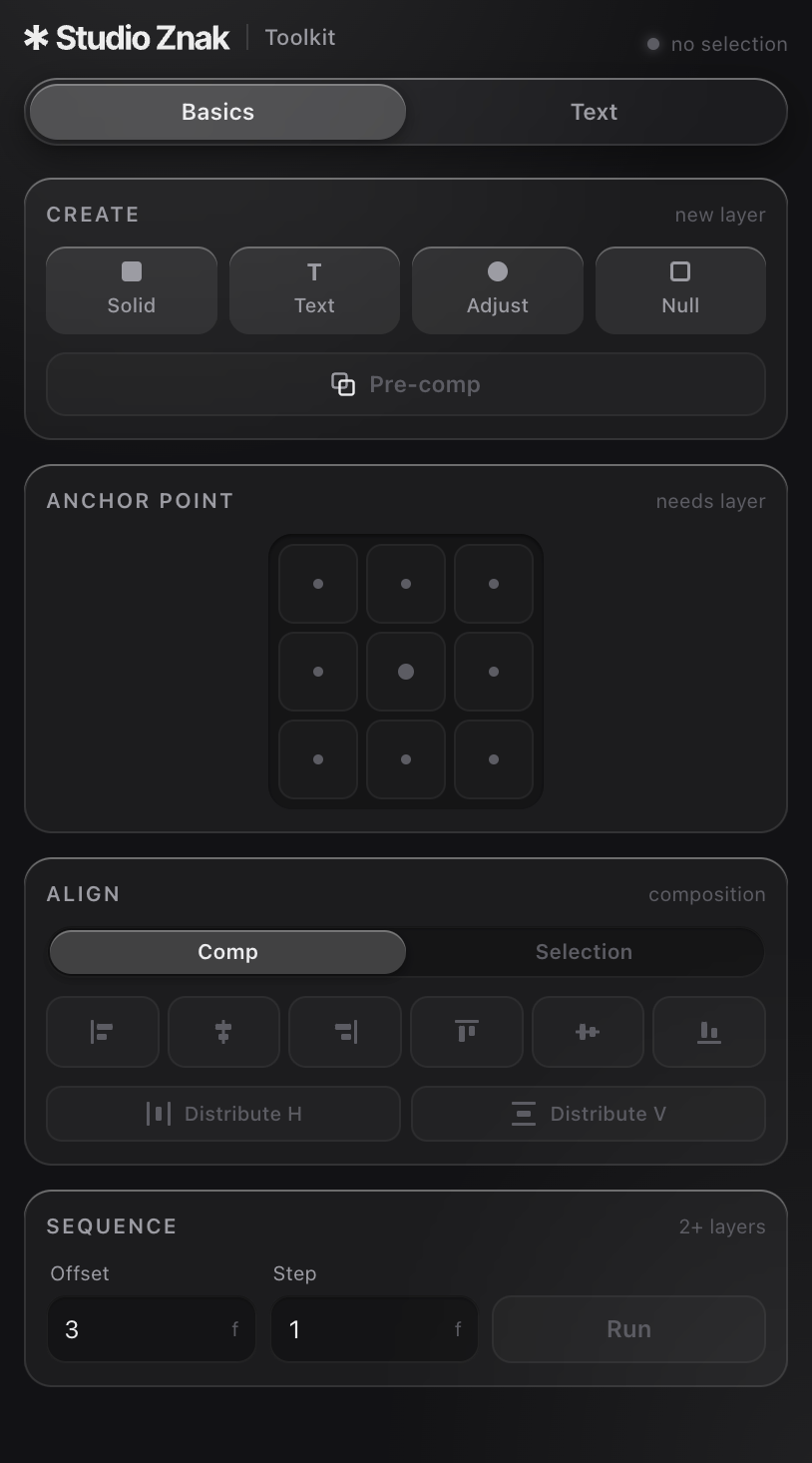
Solid, Text, Adjustment, Null. One click each. No dialogs.
02Anchor Point
A 3 × 3 grid. Move the anchor while your layer stays in place, even with scale, rotation and parenting.
03Align
Align to your composition or selection. Distribute horizontally and vertically.
04Sequence
Sequence selected layers with a custom offset and step in frames.
05Pre-compose
Group your selection and name it right in the panel.
In Toolkit Lite & Toolkit.
Animate it.
Break it apart.
01Text Animator Pro
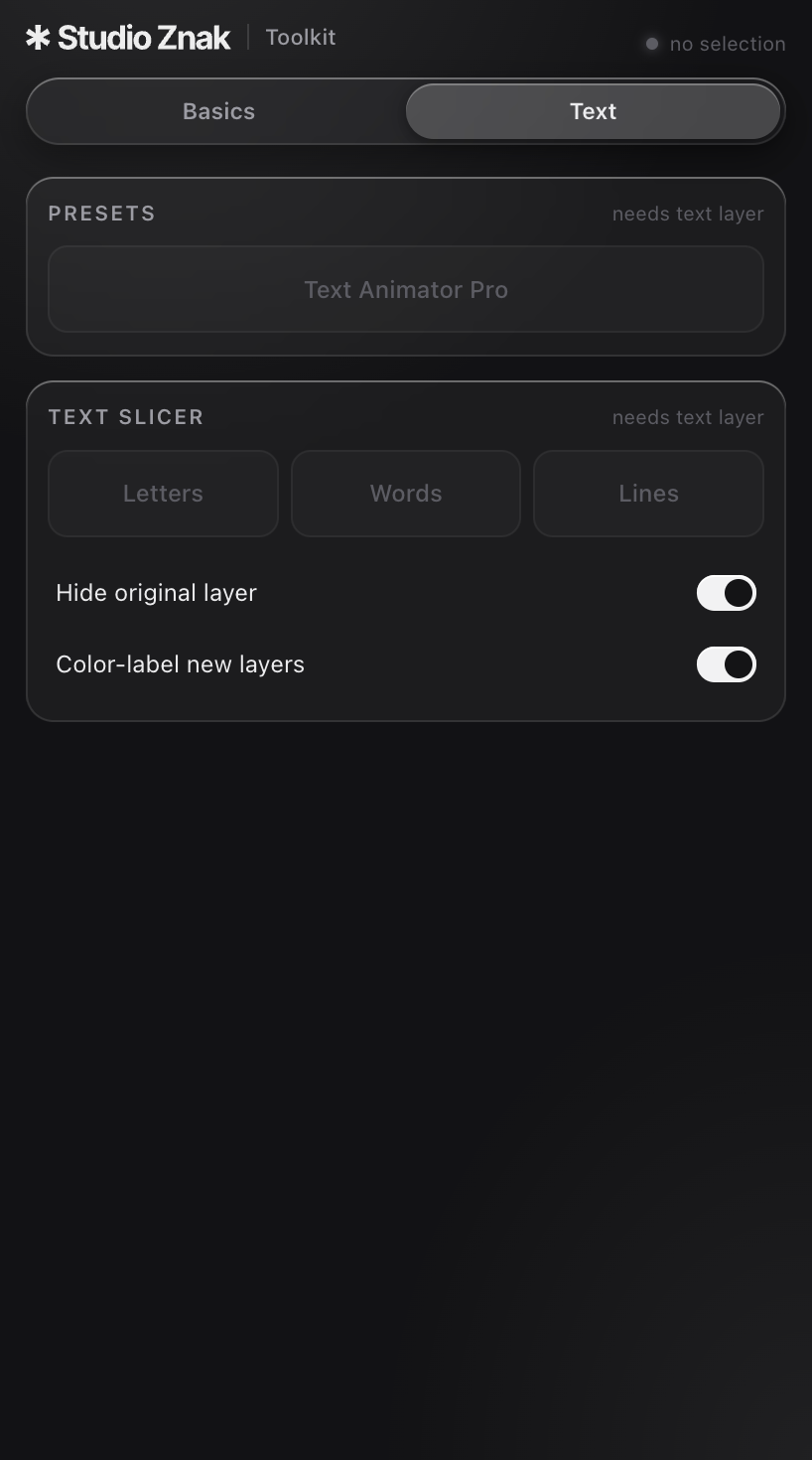
Apply a preset to selected text layers in one click. Fine-tune timing, direction and style in Effect Controls.
02Text Slicer
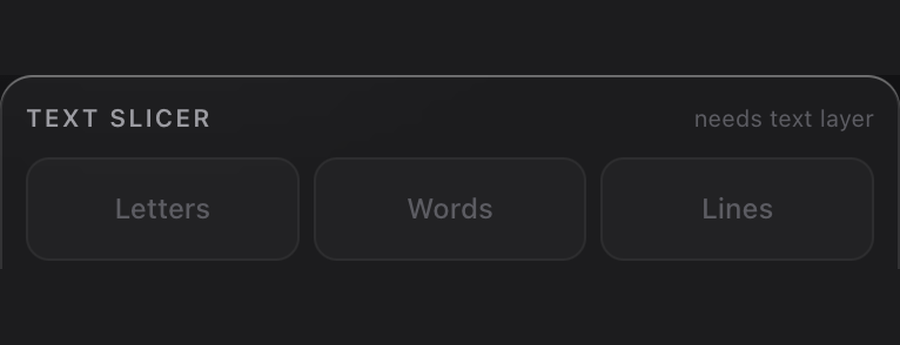
Split by character, word or line into separate layers. Keep every position intact.
In the full Toolkit edition.
02 — GIVE YOUR WORDS SOME ROOM
An illustration of character, word and line animation.
Make every
word count.
One click to apply.
All the control in Effect Controls.
03 — CHOOSE YOUR TOOLKIT
Your tools.
Your way.
Start with the essentials.
Go further with text.
BASICS EDITION
Toolkit Lite
Your everyday composition tools.
Together in one panel.
$4.90
WHAT'S INCLUDED- One-click layer creation
- 3 × 3 anchor point grid
- Align & distribute
- Sequence layers
- In-panel pre-compose
- Basics updates
- Text Animator Pro
- Text Slicer
- Future tools
Most chosen
THE COMPLETE PANEL
Toolkit
Everything in Lite, plus a new
way to work with text.
$39.00
WHAT'S INCLUDED- One-click layer creation
- 3 × 3 anchor point grid
- Align & distribute
- Sequence layers
- In-panel pre-compose
- Basics updates
- Text Animator Pro
- Text Slicer
- Future tools
- COMPATIBILITY
- After Effects 2021+
- PLATFORM
- macOS
- INSTALLATION
- Single .zxp file
- INSTALL WITH
- ZXP Installer


SUBSCRIPTION
All Access
Everything we make, unlocked for a year of your projects.
$99
/ year
WHAT'S INCLUDED
- Unlock all assets
- Full commercial license
- High resolution
- VIP community access (soon)
- Free new releases all year
- Free new releases for life
Most chosen
LIFETIME
One-Time
Pay once, keep everything forever — including future releases.
$199
one-time
WHAT'S INCLUDED
- Unlock all assets
- Full commercial license
- High resolution
- VIP community access (soon)
- Free new releases all year
- Free new releases for life
You may also like
Frequently asked questions
How will I receive my products?
In your personal account, in the "purchase history" tab, a project will appear that you can download. You will also receive a receipt to your email address, which you specify.
How will I receive my invoice?
You will receive a receipt at the email address that you specify. Try to do this without mistakes.
I can't unzip my downloaded files
Sometimes ZIP files cannot be opened with the Mac OS Archive Utility or Windows Unarchiver. We recommend using the free software The Unarchiver (on Mac) or 7zip (on Windows), which are much better anyway.
What software are these effects compatible with?
Our projects are compatible with all software capable of multiple video layers and the ability to change blending modes. This includes Adobe Premiere Pro, After Effects, Final Cut Pro X, Davinci Resolve, Vegas, AVID, LumaFusion, CapCut, Filmora etc. Always check the compatibility info before purchasing. If you have any questions just email us info@studioznak.com
Сan I use it for sale?
Yes! You can use our products in your commercial projects — client work, paid videos, ads, and monetized content. what you can't do is resell, redistribute, or share the original files themselves. see our license terms for full details.